
How to Organize Cables and Chargers Neatly: Easy Tips and Tricks
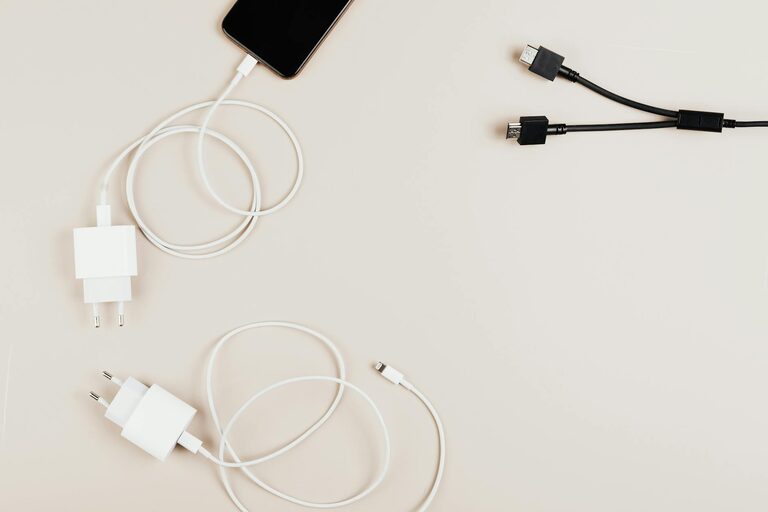
Keeping cables and chargers neatly organized can be a challenge in any home or office, especially with the growing number of devices we use. Tangled cords not only look messy but can also cause frustration and damage to your equipment. Fortunately, there are many simple ways to keep your cables and chargers tidy and easy to find.
In this post, we’ll explore practical tips and tools that will help you organize cables and chargers efficiently. Whether you have a few cables or a whole drawer full, these ideas will make your space more functional and visually pleasing.
Why Organizing Cables Matters
Before diving into solutions, it’s helpful to understand why organizing cables is useful:
– Prevents damage: Tangled cables can wear out faster or break.
– Saves time: Easily find the charger or cable you need without searching.
– Improves aesthetics: A neat area looks cleaner and more inviting.
– Increases safety: Reduces tripping hazards and electrical risks.
Now, let’s explore how to get started.
Step 1: Sort and Declutter Your Cables
Start by gathering all your cables and chargers in one place. Then:
– Identify what you actually use. If you have cables for old devices you no longer own, consider recycling or donating them.
– Label cables with a simple tag or tape noting which device they belong to.
– Group similar cables together, for example, USB cables, phone chargers, HDMI cords, etc.
Sorting helps reduce clutter and makes organizing easier.
Step 2: Choose the Right Storage Method
Depending on your space and needs, different storage solutions work best. Here are some popular options:
Cable Organizers and Holders
– Cable clips: Small adhesive clips keep cables attached to desks or walls, preventing them from falling.
– Cord wraps and ties: Velcro straps, twist ties, or reusable rubber bands are great for bundling cables.
– Cable boxes: These boxes hide power strips and excess cable length inside, keeping floors tidy.
– Drawer dividers: Insert dividers into drawers to separate and arrange cables neatly.
DIY Storage Ideas
– Mason jars or containers: Store rolled cables vertically for easy access.
– Toilet paper rolls: Wrap cables and slip them inside these rolls to prevent tangling.
– Binder clips: Use large binder clips attached to desks to hold cables in place.
– Hanging shoe organizers: Repurpose for storing chargers and cables in labeled pockets.
Step 3: Label Your Cables Clearly
Labeling is key to quickly identifying cables, especially if you have many similar-looking ones. Use:
– Pre-printed labels or stickers
– Color-coded tape or bands
– Handwritten tags tied with string or zip ties
Place labels near both ends of the cable or on the plug for easy spotting.
Step 4: Keep Charging Stations Neat
Charging multiple devices can result in a messy cluster of chargers. To avoid this:
– Use a charging station or dock that accommodates several devices at once.
– Bundle the excess cable length with velcro ties to maintain a tidy appearance.
– Position the station close to a power outlet to minimize visible cables.
Step 5: Maintain Regularly
Organizing cables isn’t a one-time task. Keep your system tidy by:
– Periodically reviewing cables and removing unused ones.
– Rewinding cables properly after use.
– Checking for damaged or frayed cables and replacing if necessary.
Bonus Tips for Cable Maintenance
– Avoid sharp bends or tight knots that can harm cables.
– Keep cables away from heat sources and liquids.
– Use surge protectors for sensitive chargers and devices.
Conclusion
With a bit of effort, organizing your cables and chargers can become an easy and satisfying task. Sorting, labeling, and storing cables properly will save time, protect your devices, and create a cleaner space. Try some of these methods today and enjoy a clutter-free environment!
Organized cables might seem like a small detail, but they make a big difference in your daily routine. Happy organizing!